In this WordPress tutorial, Gav shows you how to add a Favicon in WordPress.
If you’d prefer written instructions, then just keep reading.
What is a favicon and why do I need one?
A favicon is a small icon used on web browsers to represent a website or a web page. Favicons are commonly displayed on tabs at the top of a web browser, but they're also found on your browser's bookmark bar, history and in search results, alongside the page url.
1. Open up your WordPress Dashboard
The first thing you want to do is to open the WordPress dashboard for the website you want to add your favicon to.
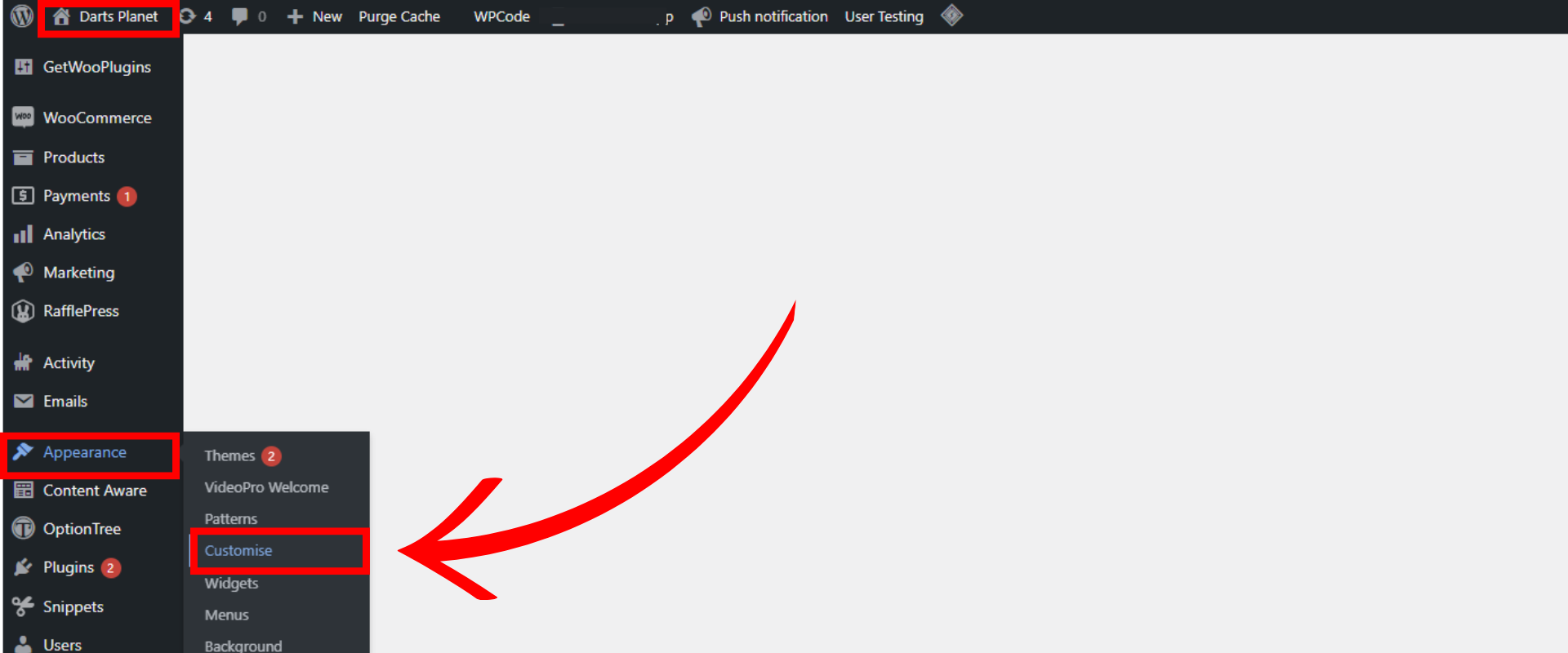
2. Access the Appearance Menu
To upload your Favicon you need to go to Appearance from the left hand side dashboard menu.

2. Upload your Favicon
Click on customise from the sub menu. This will open the customise page. On here you need to click on Site Identity. From here you can upload your new favicon and it will appear on the address bar tab. (The recommended size for a favicon is 512px x 512px and it should be transparent.)